

Support, walkthroughs, and practical how-to help.
Start with the complete Chapter Forge walkthrough, then return here as new tutorials are added for individual tools, workflows, exports, and advanced features.
 Start here · Complete walkthrough
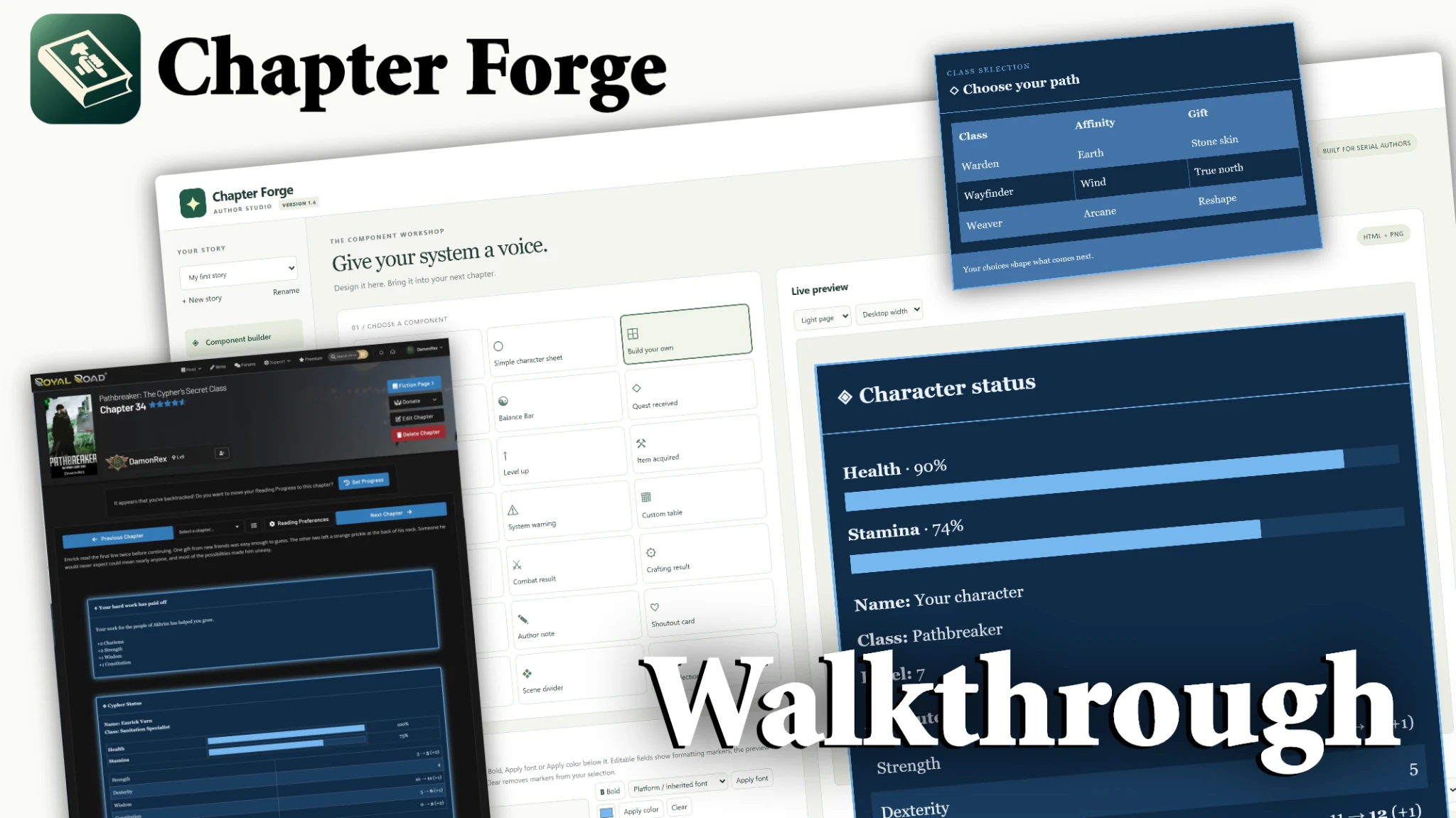
Chapter Forge Complete Walkthrough
A guided tour of the current Chapter Forge workflow, including component creation, chapter assembly, reusable content, styling, and publishing-ready output.
Focused tutorials for learning the studio.
Start with the latest Chapter Forge updates, then dig into individual workflows as you need them. More focused tutorials will continue to be added here.
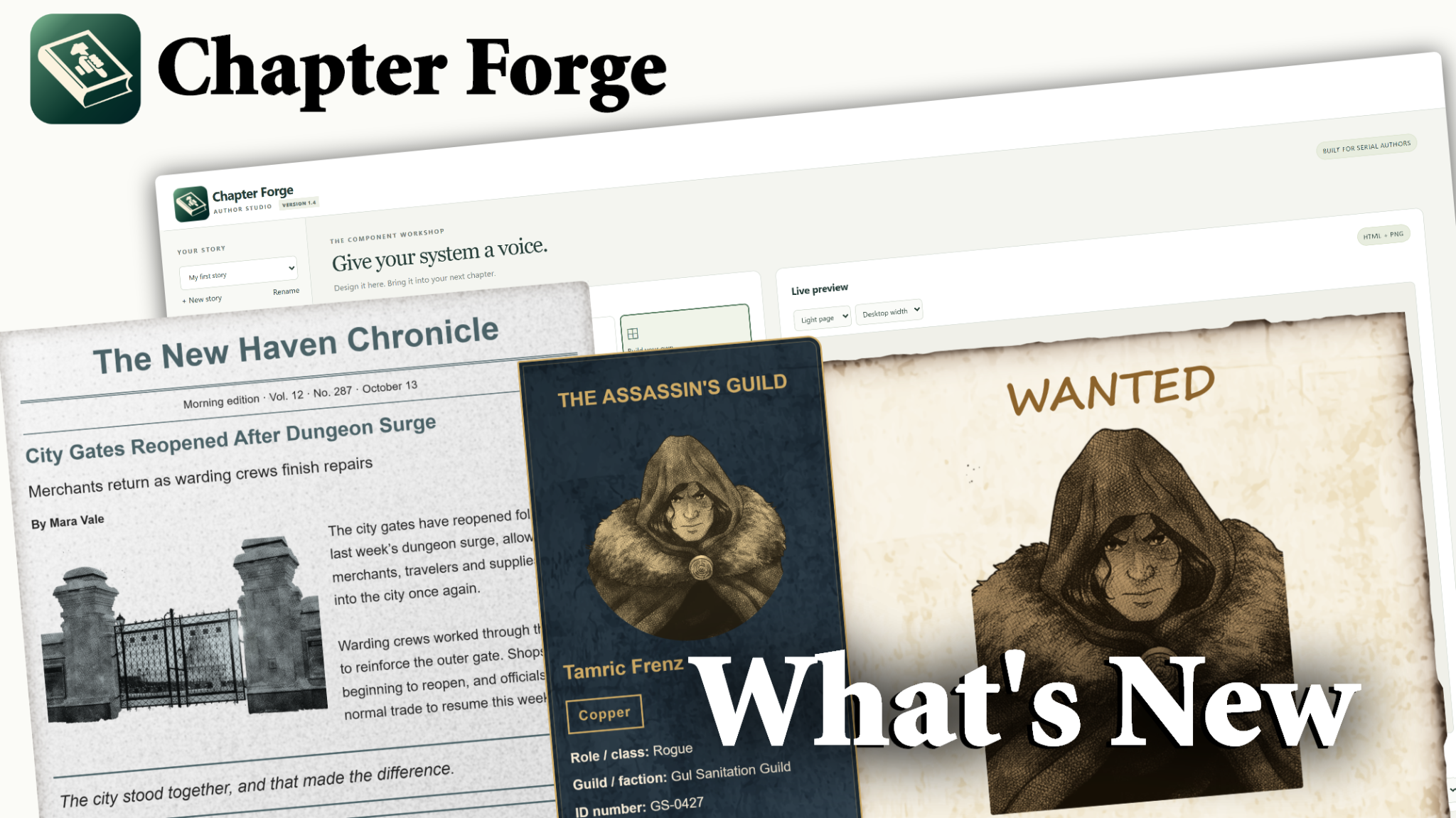 ▶
▶What's New on Chapter Forge?
See the newest Chapter Forge additions and get a quick look at recently added tools, workflows, and creative possibilities.
Watch on YouTube ↗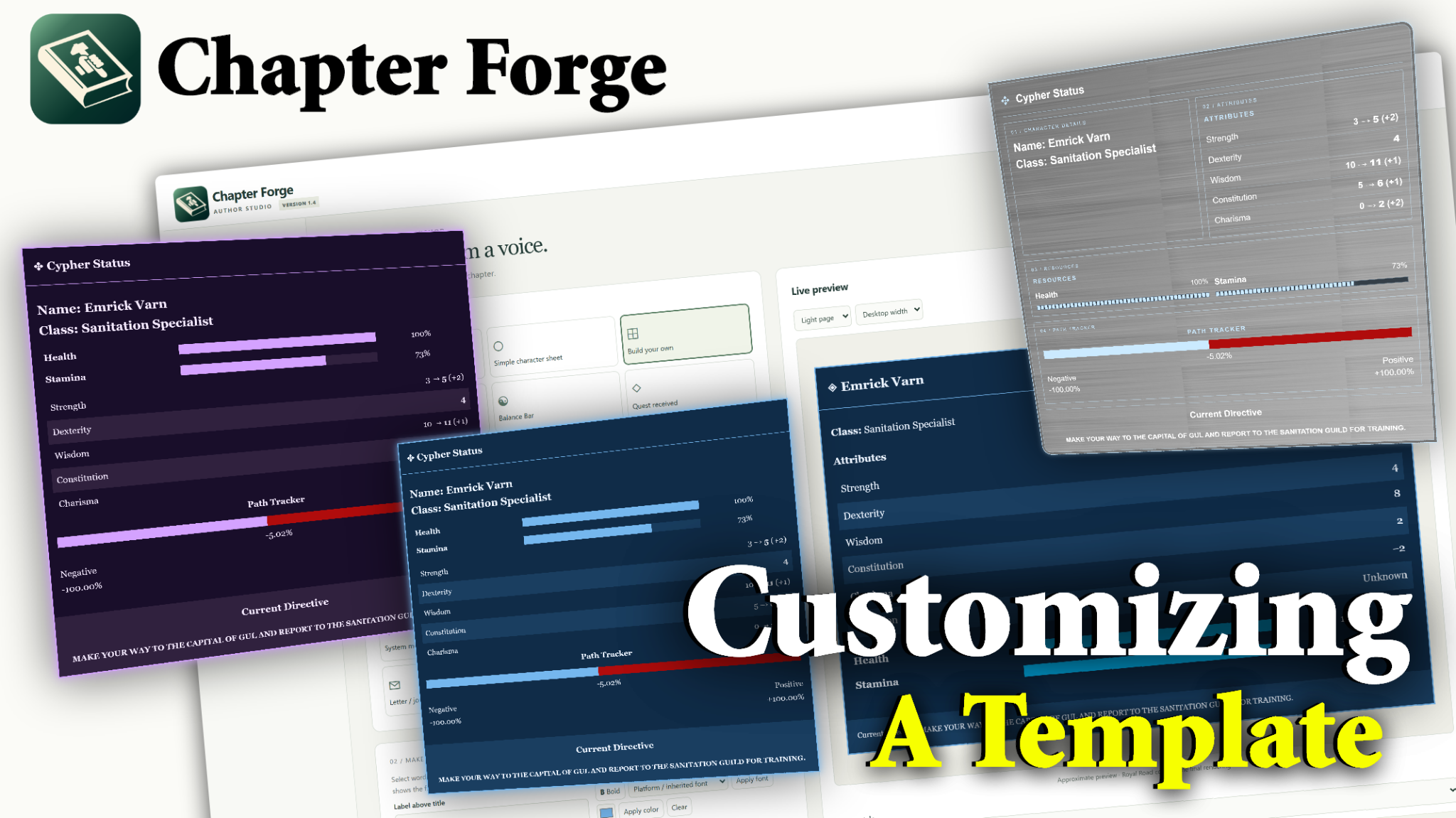 ▶
▶Customizing a Chapter Forge Template
Learn how to take an existing Chapter Forge template and customize its look so it better fits your story, system, and visual style.
Watch on YouTube ↗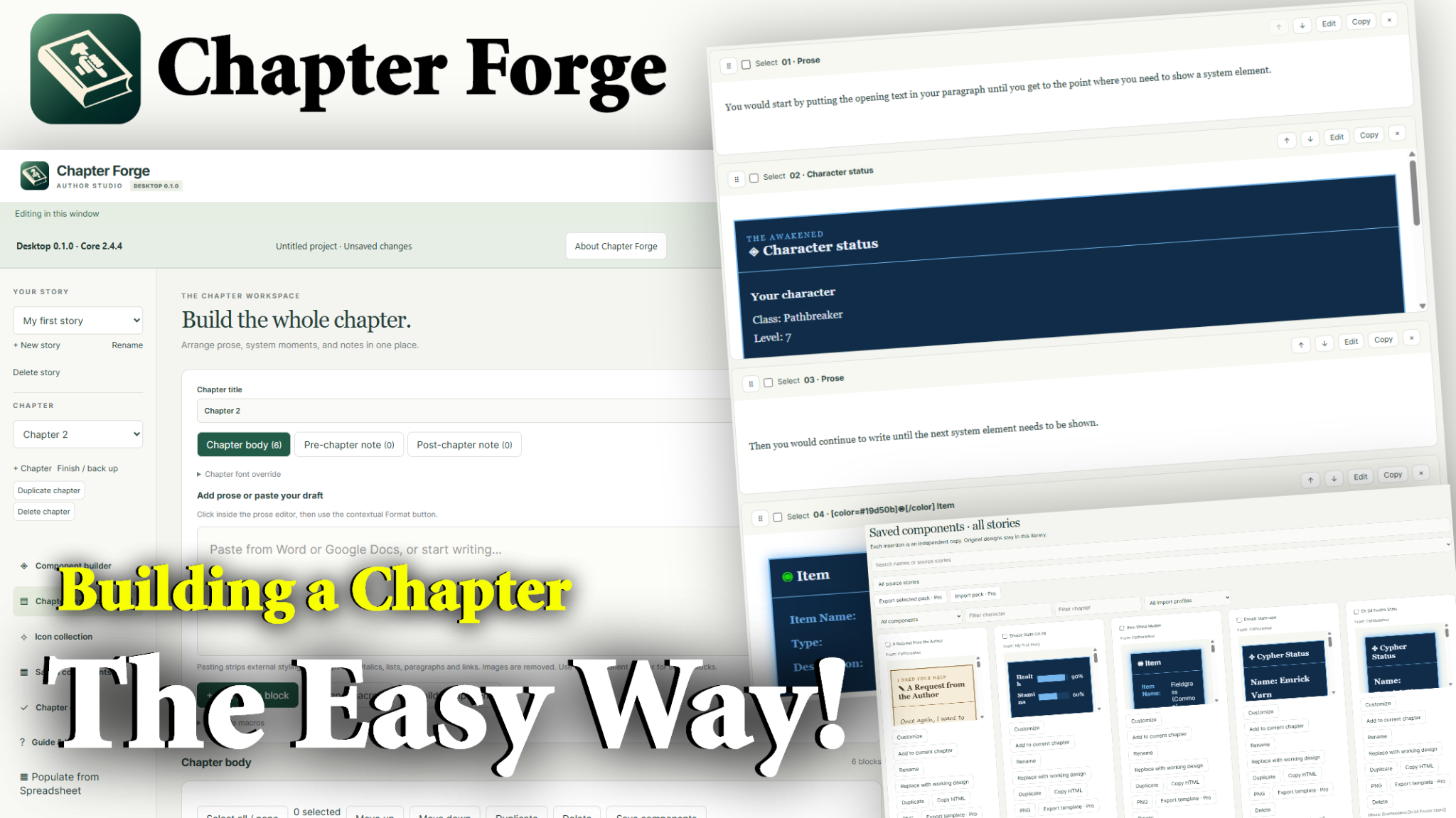 ▶
▶Create a Chapter the Easy Way
See a streamlined way to combine prose and system elements, organize the chapter flow, and work toward a finished publishing-ready chapter.
Watch on YouTube ↗▶Complete Chapter Forge Walkthrough
Get oriented with the studio and see the core workflow from creation through export.
Watch the walkthrough →We’re here when a video isn’t enough.
If Chapter Forge behaves unexpectedly or you cannot find the answer you need, send us a message. Helpful details include what you were trying to do, what happened, and a screenshot when relevant.
Please do not send passwords, payment-card information, activation credentials, or other sensitive login information.
Email Chapter Forge Support